
Samsung To IPhone File Transfer Made Simple
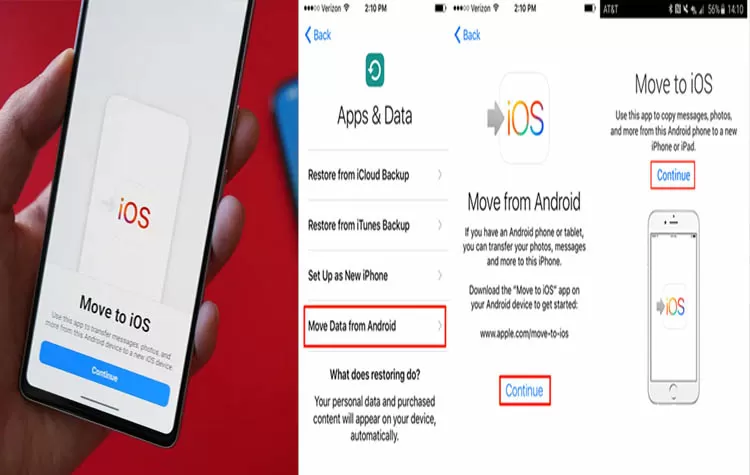
- The process of sharing files between Samsung phones and iPhones has depended on third-party applications throughout its history. When users needed to share files between devices their options were restricted to particular transfer methods. Samsung has released a new solution through its S26 product line.
- This new feature operates in a way that resembles Apple's AirDrop technology. The system enables users to transmit photos and videos from their Samsung device to an iPhone. The system provides users with an enhanced experience because it offers quicker and simpler access.
Availability and Future Rollout
- The feature is currently available on the Samsung S26 series in South Korea. A global rollout is expected soon. The feature will become available on additional Samsung devices as part of the company's upcoming plans.
- Google launched a sharing function for its Pixel devices in 2025. The new function from Samsung enables users to share content between different devices which improves their ability to connect with each other.
Steps to Transfer Files from Samsung to iPhone
The process of sharing files from a Samsung S26 phone to an iPhone requires users to change specific device settings.
On the Samsung Device:
- Users should access the Settings menu.
- They need to choose Connected Devices from the list.
- Users should select Quick Share from the menu.
- The user should enable Share with Apple devices function.
On the iPhone:
- The user should enable AirDrop.
File Transfer Process:
- The user needs to select the photo or video content on their Samsung phone.
- The user should select Quick Share to begin the process.
- The user needs to select their target iPhone from the available device list.
- The user receives their complete transfer within an immediate time frame.
Tags Cloud